
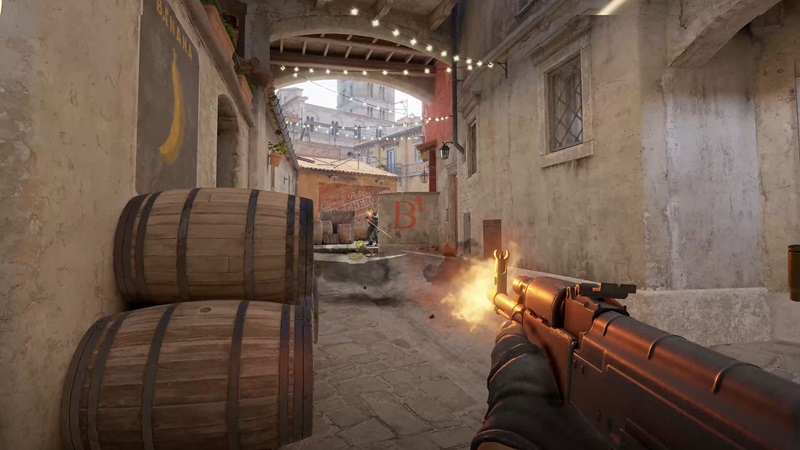
How powerful does your gaming machine need to be to run the most popular multiplayer shooter of all time: Counter Strike 2?
✓ Trusted sources ✓ How do we evaluate?
This content contains affiliate links — if you sign up through them, we may earn a commission. This does not affect our reviews. How we make money
How powerful does your gaming machine need to be to run the most popular multiplayer shooter of all time: Counter Strike 2?
The game Counter Strike 2 can run even on older machines, but at the cost of performance and achieved FPS (frames per second). Although the game automatically adjusts graphics and performance settings, it’s a good idea to review them afterward. To achieve the best performance on a weak computer, you need to disable as many advanced features as possible and set all properties to the minimum. Some settings can be changed via the developer console (see our article Useful commands for the game Counter Strike 2).
| Windows | SteamOS / Linux | |
| Operating system: | Windows 10 | Ubuntu 20.04 |
| Processor: | Intel Core i5 750 with 4 hardware threads | Intel Core i5 750 with 4 hardware threads |
| Memory: | 8 GB RAM | 8 GB RAM |
| Graphics card: | 1 GB memory or more, recommended compatibility with DirectX 11 and Pixel Shader 5.0 | AMD GCN+ or NVIDIA Kepler+ with the latest Vulkan API drivers |
| Free disk space: | 85 GB | 85 GB |
You will achieve better performance, visuals, and gameplay if your computer meets the recommended requirements. The game looks much better, and the overall gameplay is smoother. The recommended operating system is Windows, so we do not include other operating systems in the following table.
| Windows | |
| Operating system: | Windows 10 or higher |
| Processor: | Intel Core i7 9700K or AMD Ryzen 7 2700X |
| Memory: | 16 GB RAM |
| Graphics card: | Nvidia GeForce RTX 2070 or AMD Radeon RX 5700 |
| Free disk space: | 85 GB |
No, support for operating systems older than Windows 10 has been discontinued for most modern games.
No, the game cannot be purchased or played without Steam.
If your machine meets the minimum requirements, try lowering all graphics settings to the minimum.