This content contains affiliate links — if you sign up through them, we may earn a commission. This does not affect our reviews. How we make money
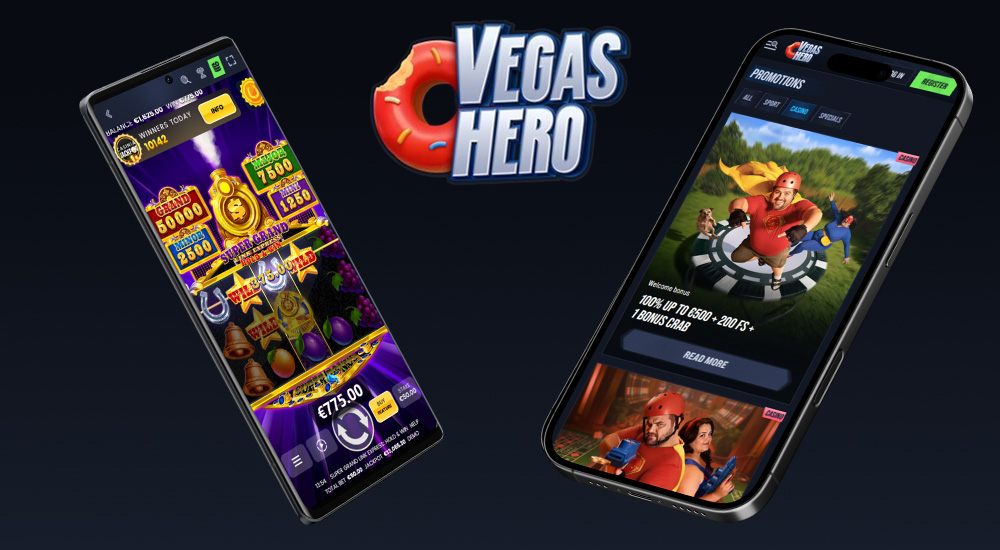
The VegasHero platform website is fully optimized and responsive, so you can play on any device
Online casinos have become popular precisely because you can play anytime—no need to stay at home! Though there’s something nice about playing on the couch, too… Casinos are adapting to player needs, and one of the most basic is: to play on a mobile phone! Not all casinos have their own app. While an app can be a bonus, it’s not a drawback if the casino works perfectly fine without it.
If you require the casino to have its own mobile app, we have to disappoint you—VegasHero does not offer one. But don’t worry, because this platform works flawlessly via your web browser. The support team recommends using the latest version of Google Chrome. You’ll be able to do everything just like on a desktop:
Manage your account: register, log in/out, deposit and withdraw money, check your balance and game history, edit personal details, use live chat, and more.
Use bonuses and promotions: bonus activation is identical to desktop—make a qualifying deposit, go to the “My bonuses” section, and activate it. You can also join tournaments and earn coins in the loyalty program just as easily!
Today’s players want their favorite games at their fingertips anytime, anywhere—and VegasHero delivers! Even without an app, the mobile-optimized website works great. Playing on your phone doesn’t have to be an issue. In fact, it has its perks: no need to install anything or worry about app updates. Plus, it saves your battery, since apps can drain it even when idle.
If you’re missing an app just because tapping an icon gets you into the casino instantly—don’t worry! You can do the same with a web shortcut on your mobile device’s home screen. No installation needed, and it won’t take up memory or battery. Here’s how:
iOS (iPhone, iPad)
Open the casino website.
Tap the Share icon (square with an arrow).
Select “Add to Home Screen”.
Tap “Add”—and you’re done!
Android
Open the casino website in your browser (e.g., Chrome).
Tap the three dots in the top-right corner.
Select “Add to Home screen”—that’s it!
Windows
Open the casino website in your browser.
Click the download or plus icon at the end of the address bar.

Comments
Jessica ·
Can I play without an app?
SlothBet ·
Hello, Jessica,
yes, the casino website is fully optimized.