This content contains affiliate links — if you sign up through them, we may earn a commission. This does not affect our reviews. How we make money
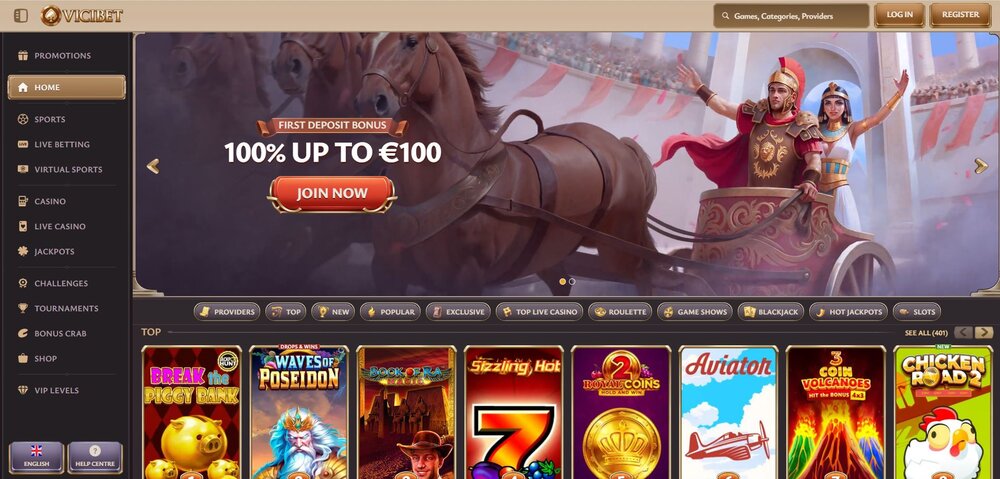
ViciBet offers a fully responsive website that replaces a standalone app on mobile devices
At SlothBet, we found that most online casinos do not have their own app. However, we discovered an effective solution for ViciBet. In this article, we will guide you step by step on how to achieve this and keep all the casino’s advantages at your fingertips.
Mobile apps in online casinos allow quick and convenient access to games and often provide a better user experience. However, most casinos do not have any app and instead rely on responsive websites that work well on mobile devices without the need for installation.
The main reasons for the absence of apps are high development and approval costs for iOS and Android, as well as regulatory hurdles. Responsive websites are more flexible for casinos and allow for quick updates.
If you play frequently at an online casino, you will certainly appreciate quick and easy access without unnecessary searching in the browser. Adding a casino website shortcut directly to your home screen or desktop will make this significantly easier.
Creating a ViciBet shortcut on iOS
For quick access to the casino website on your iPhone or iPad, simply open the casino page in Safari. Then click on the “Share” icon (a square with an upward arrow) at the bottom of the screen and select “Add to Home Screen”. A preview will appear where you can name the shortcut. Finally, confirm by clicking “Add”. The casino icon will appear on your home screen.
Creating a ViciBet shortcut on Android
On Android, it’s even easier. Just open the casino in your browser (usually Chrome), wait for the page to load, and then click on the three dots in the upper right corner. Select “Add to Home Screen” or a similar option. You can name the shortcut, which will then appear on your phone’s home screen as an app icon.
On a computer with Windows 10 or newer, you can add the casino as a standalone app through your browser. In Microsoft Edge, click on the three dots in the upper right corner, select “Apps” > “Install this site as an app”. In Google Chrome, you will find a similar function under “More tools” > “Create shortcut”, where you check the option to open in a separate window. After installation, you will find the shortcut in the Start menu or on your desktop.
How can I quickly open the casino on my iPhone without entering the address?
Just create a shortcut to the casino website using the “Add to Home Screen” function in Safari, then open the casino with one tap from your home screen.
Do I need to download a special casino app on Android?
No, the casino does not have an app. You just need to add the casino website to your home screen through the browser.
How can I keep the casino handy on a Windows computer?
Using the function in Microsoft Edge or Google Chrome, you can save the casino icon to your desktop.