
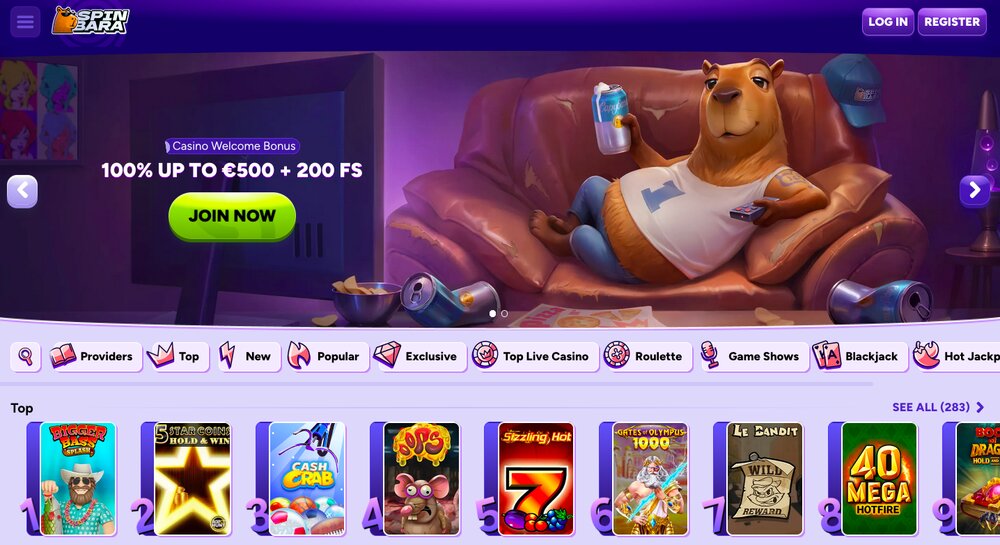
Mobile gaming is becoming increasingly popular, and some online casinos offer their own apps. In this article, we’ll find out whether Spinbara has such an app, what mobile gaming options are available, and how to install it step by step.
✓ Trusted sources ✓ How do we evaluate?
This content contains affiliate links — if you sign up through them, we may earn a commission. This does not affect our reviews. How we make money
Mobile gaming is becoming increasingly popular, and some online casinos offer their own apps. In this article, we’ll find out whether Spinbara has such an app, what mobile gaming options are available, and how to install it step by step.
Currently, there is no standalone mobile app for Spinbara like you might see with other online casinos. However, the website platform works smoothly in mobile browsers, ideally Google Chrome. This browser is recommended for the best gaming experience, both on mobile and desktop. To make access even easier, simply save a shortcut to the homepage on your phone so it’s always at your fingertips.
If you’re using an Android phone, you can quickly create a handy shortcut to Spinbara on your home screen. Open Google Chrome or another browser and go to Spinbara’s official website. Once the page loads, tap the three dots in the upper-right corner and choose “Add to Home screen”. You’ll be prompted to confirm the shortcut name, e.g., “Spinbara”. Confirm by clicking “Add” and the Spinbara icon will appear among your apps.
iPhone users can create a shortcut to Spinbara on their home screen with a few simple steps. First, open the Safari browser — this only works in Safari. Search for Spinbara and click the official site link. Then tap the share icon, which looks like a square with an arrow pointing up, located at the bottom of the screen. In the menu, select “Add to Home Screen”, name the shortcut, and confirm with “Add”. You’ll now see an icon that gives you quick and convenient access to the game, just like a regular app.
You can also try slots in demo mode on your mobile phone, but only under certain conditions. The key is that you must be logged out of your account. In this mode, when the game loads, a green bar appears at the bottom of the screen with the text “This is just a preview! Click here to play with real funds.” Next to this text, you’ll see a purple circle. If you tap it, a registration prompt will appear. If you close it by clicking the X, another window will pop up to confirm your decision and offer a login option. This allows you to comfortably test the game before deciding to play for real money.