This content contains affiliate links — if you sign up through them, we may earn a commission. This does not affect our reviews. How we make money
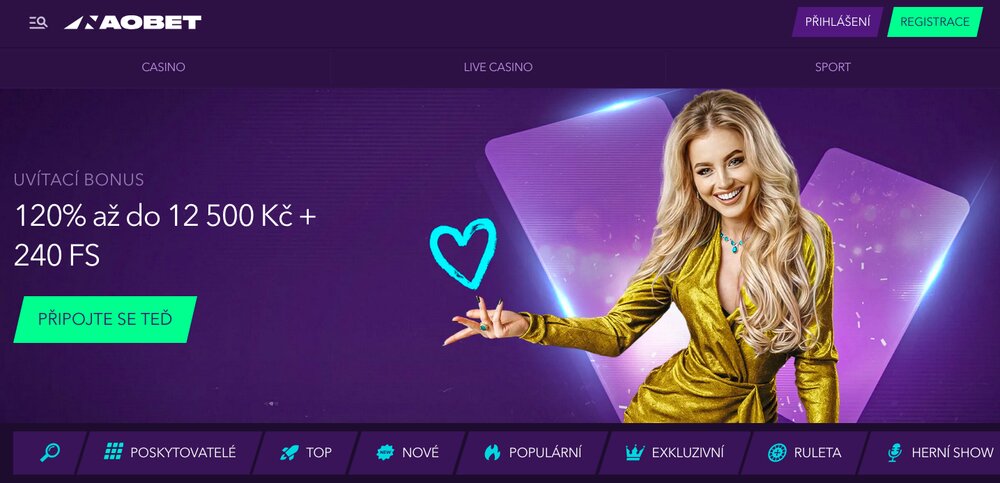
NaoBet offers a fully responsive website with all features on mobile devices
Do you want to enjoy the thrill of online casino games anywhere and anytime, but don’t want to download unnecessary apps? We have the solution for you! NaoBet brings all your favorite games right to your pocket without the need for downloads. Just a few clicks and you can create a quick shortcut on your desktop – whether you’re on a mobile, tablet, or PC. Get ready for the best casino adventure with minimal effort! How to do it? Read on to find out how to simplify it.
The online casino offers a fully optimized official site for mobile devices. This means that whether you have a smartphone, tablet, or laptop, you can enjoy the excitement of playing without any limitations. The pages automatically adapt to different screen sizes. The gaming experience will be smooth and user-friendly, regardless of your preferences. Whether you’re sitting comfortably at home, traveling by bus, or enjoying a moment of relaxation in the garden, NaoBet is with you. Thanks to the responsive design, you can enjoy your favorite games, such as slots, blackjack, or roulette, with a clear and intuitive interface that is easy to navigate even on smaller screens.
If you want to make access to the online casino easier and have the ability to play with minimal effort, a great solution is to create a desktop shortcut. This shortcut will allow you to have an icon that looks like an app, and that requires no downloading or installation. How to do it? Let’s look at the simple steps for different operating systems.
After opening the browser, load the NaoBet pages. Once the pages are fully loaded, in the bottom right corner of the screen, you will find the “Share” icon – press it. From the menu, select the option “Add to Home Screen”. Confirm your choice by pressing the “Add” button at the top of the screen. And that’s it! You now have an icon on your home screen that will immediately redirect you to the casino’s website.
Shortcut for Android Devices
On your Android device, open the browser, preferably Chrome, and load the NaoBet pages. Once the pages load, click on the three dots in the top right corner next to the address bar. From the menu, select the option “Add to Home Screen”. Confirm your choice and watch as the icon appears on your home screen.
Open the Microsoft Edge browser or another browser on your computer and go to the website. At the end of the address bar, find the download icon (usually looks like a downward arrow). Click on this icon and select the option “Add to Desktop”. With these simple steps, you now have access to your favorite online casino.
NaoBet is fully optimized for mobile devices, tablets, and computers, so you can play on any device with an internet connection.
Can I create a desktop shortcut with an Android device?
Yes, just open the NaoBet pages in the Chrome browser, click on the three dots in the top right corner, and select the option “Add to Home Screen”. Then an icon for quick access to the online casino will appear on your home screen.
Do I need to download any app to play on NaoBet?
No, NaoBet does not offer a downloadable app, but the pages are fully responsive and adapt to any device. However, you can create a desktop shortcut for quicker access to the site.