This content contains affiliate links — if you sign up through them, we may earn a commission. This does not affect our reviews. How we make money
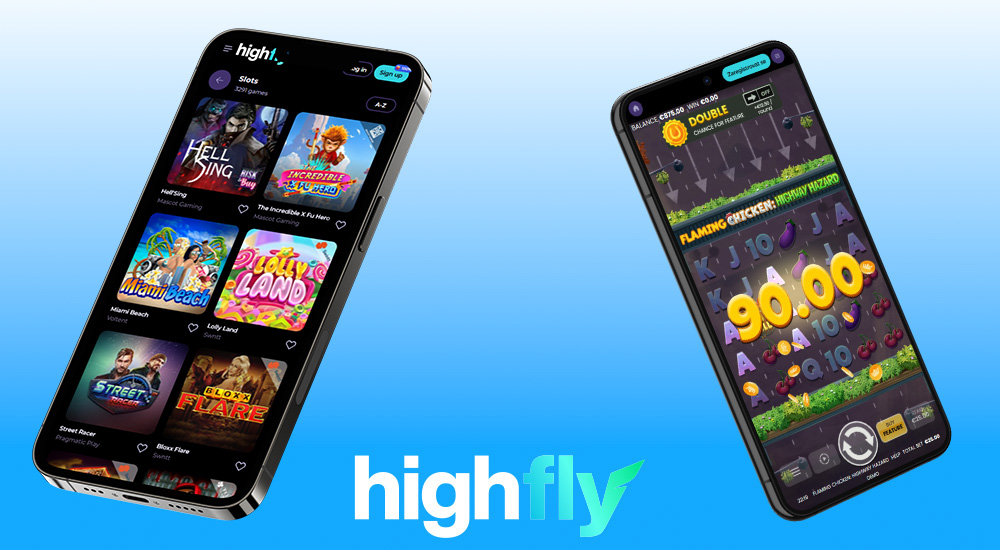
The HighFlyBet platform’s website is fully responsive, letting you play on any mobile device
HighFlyBet strives to meet all players’ expectations. That’s why it offers such a wide range of bonuses and an ever-growing library of games! The loyalty program brings additional rewards, such as higher withdrawal limits, more bonuses, and special perks for reaching higher VIP levels. It’s a great reason to keep coming back! But what about the mobile app?
Why do players want online casinos to offer their own app so badly? Simply put – it comes with many benefits. For example, easy access to casino games. Apps are designed specifically for mobile phones, so the interface fits perfectly – no tiny or cluttered icons! Plus, apps are faster than web browsers, so there’s no lag. Turn on notifications? You’ll be the first to hear about new features and offers!
Since HighFlyBet presents itself as a modern casino, it would be a disappointment if it didn’t have its own app. Luckily, you can find the “Casino App” section in the website footer, and by clicking it, you’ll be redirected to the app store. No disappointment here! Once you download the app, you can log into your gaming account and play just like you’re used to.
If you’re fine playing through your mobile browser, there’s no need to download any app. You can perform all the same actions as on a computer – log in, play for real money, make deposits, or claim bonuses. It’s entirely up to you which mobile option you choose. All your progress and settings stay intact even when switching between devices.
Third option: add a website shortcut to your home screen
This is sort of a middle-ground solution: you can create a website shortcut on your device’s home screen. Then, with a single tap, you’ll open the casino’s website. A home screen shortcut takes up virtually no space on your device’s memory. You don’t need to perform updates, and you can still play and manage your account as usual. How to add one? Just open the website on your mobile device and follow the steps based on your operating system:
iOS: tap “Share,” then “Add to Home Screen,” and confirm with “Add.”
Android: tap the three dots next to the address bar and then “Add to Home screen.”
Windows: the download icon is at the end of the address bar.