
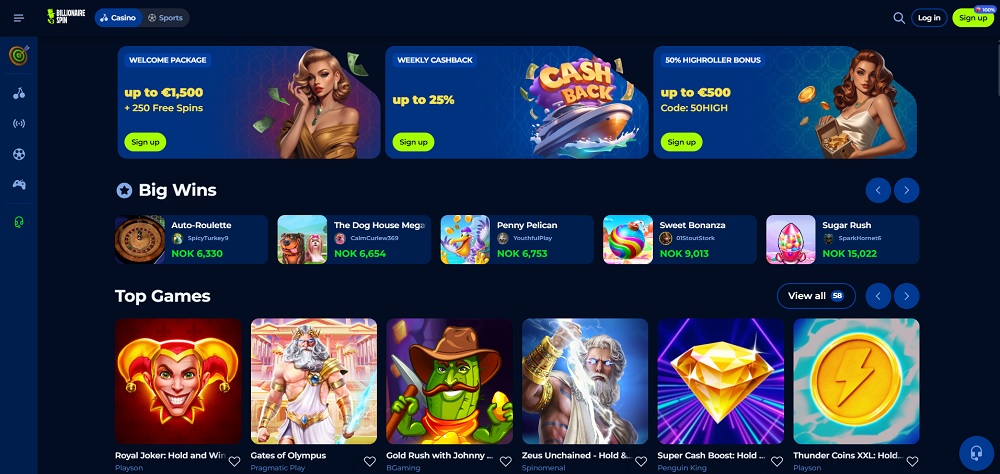
Although Casino Billionairespin does not offer a mobile app, you can easily access it by creating a shortcut on your device’s home screen. This method is suitable for Android, iOS, and Windows.
✓ Trusted sources ✓ How do we evaluate?
This content contains affiliate links — if you sign up through them, we may earn a commission. This does not affect our reviews. How we make money
Although Casino Billionairespin does not offer a mobile app, you can easily access it by creating a shortcut on your device’s home screen. This method is suitable for Android, iOS, and Windows.
Mobile casino apps provide the most convenient way to start playing without waiting. However, very few online casinos offer their own full-fledged app. Most only provide a responsive website. Although Billionairespin casino does not offer an app, this can be easily bypassed by using a web shortcut that ensures quick and comfortable access directly from your mobile.
Want to make playing as easy as possible? Just create a shortcut to the casino’s website on your desktop. Unlike an app, it does not require updates and does not take up space on your phone. Check out how to easily add it, whether you are using iOS or Android.
To create a shortcut to the website on the home screen of an Android device, follow these steps.
For Apple devices with iOS, follow these steps.
For Windows 10 or 11, follow these steps.
And now it’s time to move on to the games themselves. The selection here is truly vast, and it holds that every title is perfectly adapted to the mobile environment. The interface is clean, controls are simple, and the game runs smoothly even with a weak connection. Nevertheless, there are slot machines that truly shine on the mobile screen – whether due to simple controls or, for example, fast-paced gameplay. If you’re looking for inspiration, these titles should definitely not escape your attention:
Start PLAYING AND BETTING at Billionairespin
Sources: billionairespin.com