This content contains affiliate links — if you sign up through them, we may earn a commission. This does not affect our reviews. How we make money
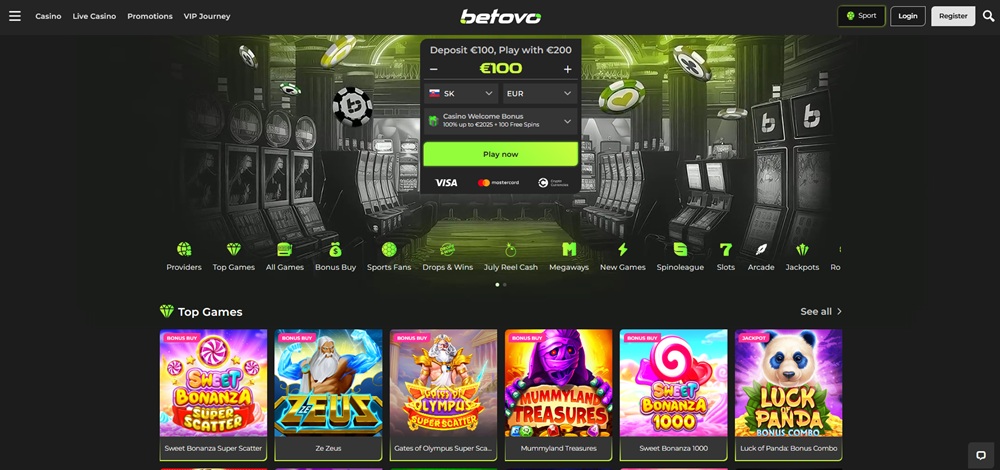
The website of the online casino Betovo is fully optimized and responsive, ensuring seamless play on mobile devices
Mobile gaming is becoming increasingly popular, so it’s no wonder that players are interested in convenient access to the Betovo casino even outside of a traditional web browser. That’s why we’ll look at whether Betovo actually offers a mobile application, what the alternatives are, and what users can utilize on mobile.
At this moment, Betovo does not offer any official mobile application or Android or iOS. However, this does not mean that players cannot enjoy its offerings on their phones. The web version of the casino is fully responsive and adapts to various types of mobile devices, whether it’s smartphones or tablets. Navigation is clear and fast, and all important features are fully functional on mobile.
Even though Betovo does not offer a traditional application, you can easily pin its website to your home screen and use it like a regular application. Just open the casino page in the Safari browser, click on the share icon (square with an upward arrow) at the bottom of the screen, and select the option “Add to Home Screen”. Then you can name the shortcut and confirm the addition. An icon will appear on your home screen, which you can launch with a single tap. This way, you get quick access to all Betovo features directly from your home screen.
How to add Betovo to the Android phone home screen
Android users can also pin the Betovo web interface to their home screen and use it as a replacement for a mobile application. Open the online casino website in the Google Chrome browser, tap on the three dots in the upper right corner, and select the option “Add to Home Screen” (or “Add to Home screen”). A preview of the icon will appear along with the option to edit its name. After confirmation, the shortcut will appear among other applications, allowing for quick launch of the casino with a single touch.
Mobile access to Betovo brings several advantages. Players can play anytime and anywhere, whether at home, in a café, or on the go. There is no need to download any software, which saves space on the phone and time needed for installation. Logging in is simple, and all features are accessible with just a few taps. Thanks to the responsive design, the mobile interface feels natural and does not lose clarity even when quickly navigating between different sections.
Do all games work on mobile just like on a computer?
Yes, the mobile version of Betovo offers the same gaming content as the desktop. The games are optimized for touch control and run smoothly on smaller screens.
Can I also register and make deposits via mobile?
Yes, the Betovo mobile website supports complete account management. This means you can register, log in, make deposits and withdrawals, and take advantage of all bonus offers.
Is mobile gaming on Betovo safe?
Yes, the mobile website uses the same security as the desktop version. The connection is encrypted, sensitive data is protected, and transactions are processed through verified payment gateways.